
The Reports Portal
The Reporting Portal is accessed from the DMS Web Portal and provides access to the comprehensive set of reports available within DMS. Which Reports are available is configured in DMS Console Setup within the Administrator user properties. As with all the browser interfaces it is supported on the latest versions of Microsoft Internet Explorer, Firefox and Google Chrome.
Navigating the Reports Portal
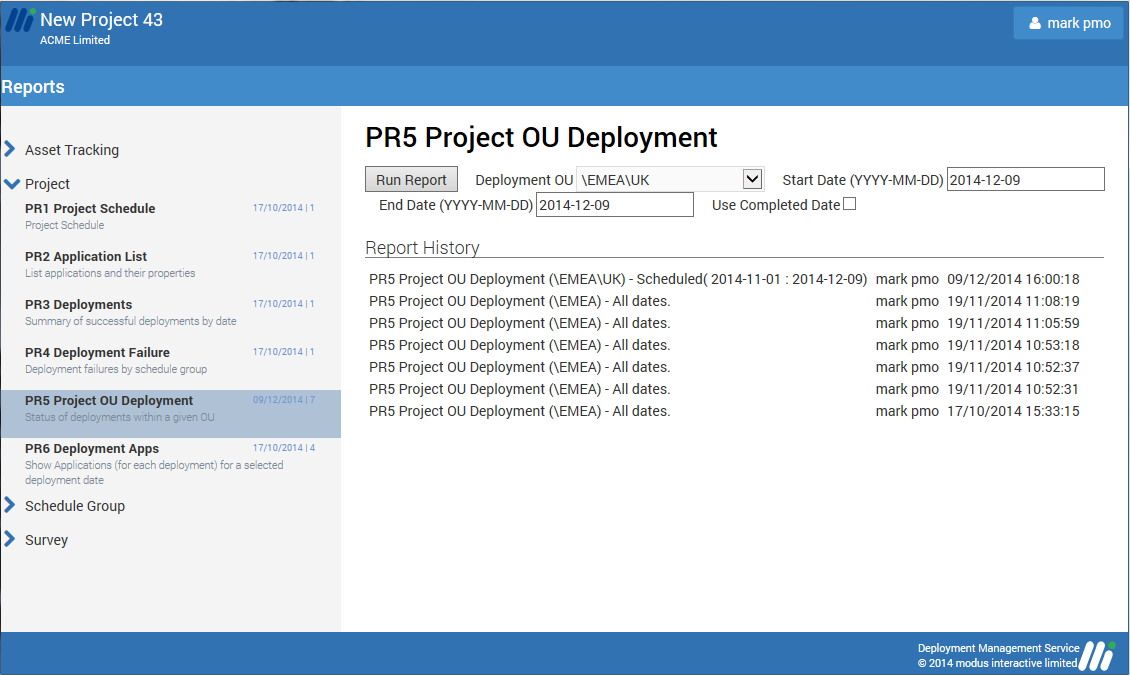
The Reports are grouped into 4 different categories, Asset Tracking, Project, Schedule Group and Survey, and when accessing the Reports portal the last report run by the user will be automatically selected.
Each report has its own report history and shows which user ran the report and the date and time it was run. Clicking a history entry will open the report results for viewing, which allows a user to load a previously run report quickly with the additional option of re-running it to update the data processed. A user can only delete a history entry if they created it.
Depending on the report chosen various additional parameters may be presented such as selecting an OU or Schedule Group and/or a date range. Reporting results are presented to the screen however each report can be exported to CSV for further processing or to PDF.
An explaination of each of the reports can be found in the Reports section of Overview section.


